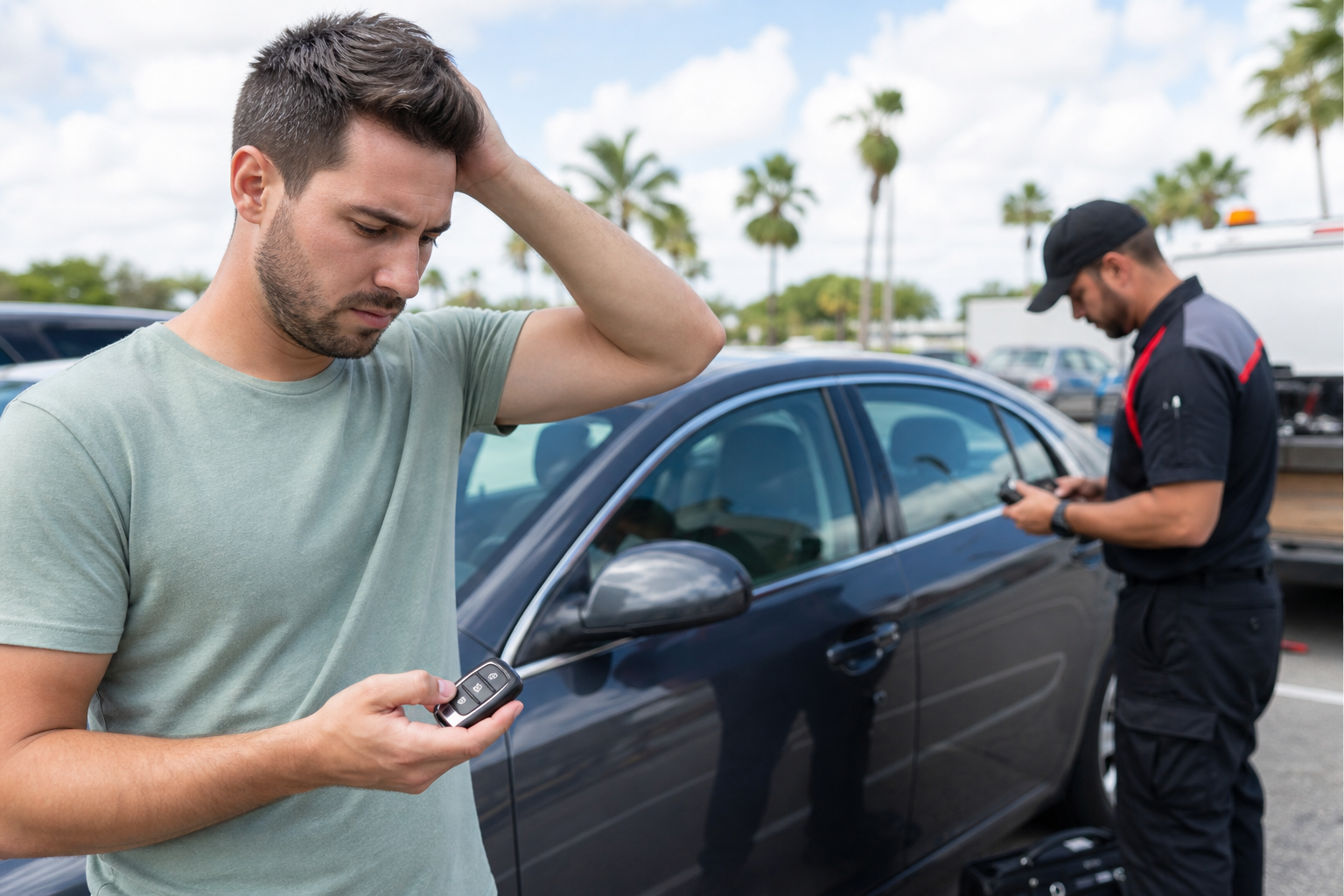
A smart key that suddenly will not unlock your vehicle can turn a normal stop into a stressful situation. The problem may be as simple as a weak key-fob battery, but it can also involve signal interference, a discharged vehicle battery, a damaged fob, or a vehicle-specific access issue.
The priority is to get back into the vehicle without damaging a door, window, weather seal, lock cylinder, or electronic system. Avoid forcing anything. A rushed attempt with a coat hanger, wedge, screwdriver, or improvised slim tool can create a much larger problem than a lockout.
Do This First
- Move to a safe, visible place if you are near traffic or in an isolated area.
- Try the unlock button while standing close to the driver-side door, then try the passenger side or rear hatch.
- Check whether the fob has a hidden mechanical key and use it gently in the exterior lock cylinder.
- Try your spare fob if it is available.
- If a child, pet, or vulnerable person is locked inside, call 911 immediately.
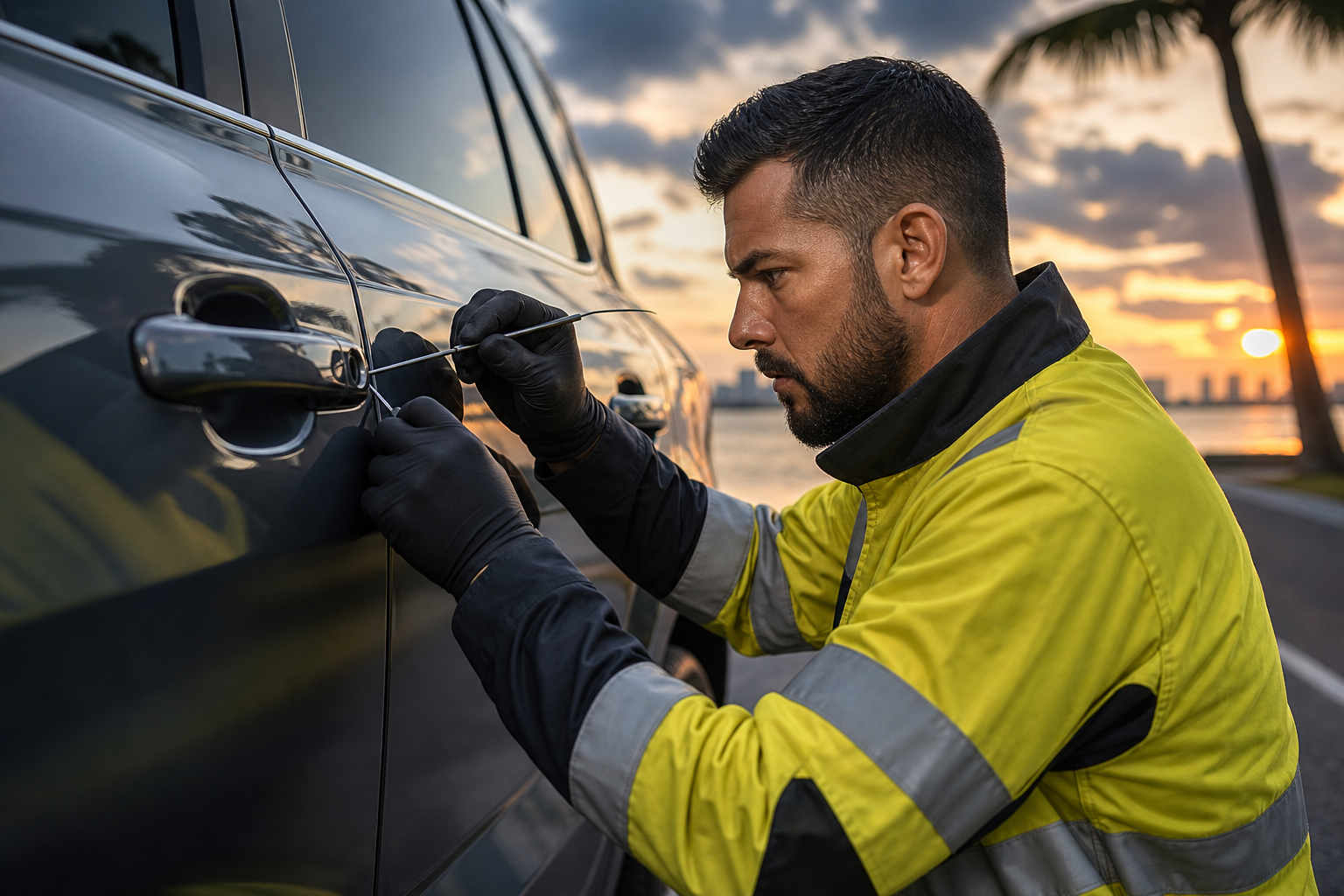
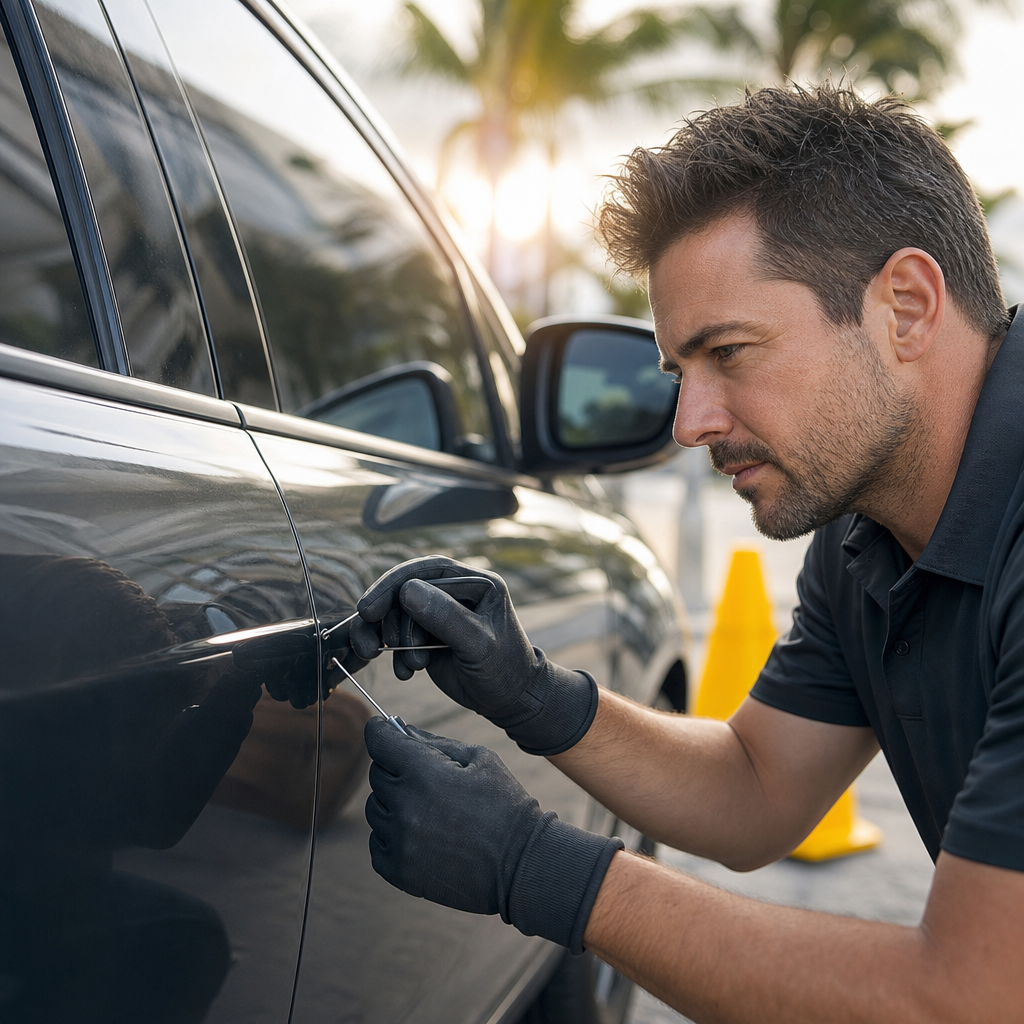
- If safe troubleshooting does not work, request professional car lockout service rather than forcing entry.
Understand What “Will Not Unlock” Means
Smart-key problems can look similar, but the details matter. Before trying multiple fixes, notice what happens when you press the fob button or touch the door handle.
- No response at all: The fob battery may be depleted, the fob may be damaged, the vehicle battery may be dead, or the signal may not be reaching the vehicle.
- Lights flash but doors stay locked: A door latch, lock actuator, or vehicle electrical issue may be involved.
- One door opens but others do not: The vehicle may be set to driver-door-only unlocking, or another lock mechanism may be malfunctioning.
- The fob works only when held very close: A weak fob battery is a likely possibility.
- The vehicle unlocks but will not start: Entry and starting are separate issues. Use your owner’s manual for the vehicle’s backup start procedure, which often requires holding the fob against a marked area or pressing the start button with the fob.
Safe Smart-Key Troubleshooting Checklist
1. Get close and try more than one access point
Stand within a few feet of the vehicle and press the unlock button deliberately. Try the driver door, passenger door, and trunk or liftgate if applicable. Some vehicles use separate antennas around the body, and a nearby electronic device, metal structure, or parking-garage environment can occasionally affect key-fob communication.
Do not repeatedly mash the buttons for several minutes. A few deliberate attempts are enough to establish whether the fob is responding.
2. Check for a hidden mechanical key
Many smart fobs contain a small physical emergency key. Look for a release tab, sliding latch, or removable end cap on the fob. The mechanical key is commonly used with a lock cylinder concealed behind a small cover on the driver-side door handle.
Use only the key designed for the vehicle. Insert it gently and turn it with steady pressure. If it does not turn easily, stop. A lock cylinder that has not been used for a long time may be stiff, and forcing it can bend or break the key.
When the mechanical key opens the door, the alarm may sound. This can be normal. Use the fob, start procedure, or instructions in the owner’s manual to disarm the vehicle once you are inside.
3. Consider the key-fob battery
A weak coin-cell battery is one of the most common smart-key issues. Signs include reduced range, intermittent operation, or a fob indicator light that is dim or absent. If you have a known-good spare fob, test it before assuming the vehicle has an electrical fault.
If you are already safely inside the vehicle or can access the fob battery compartment without forcing it, replace the battery with the exact type specified for the fob. Keep the old battery away from children and pets; coin batteries can be dangerous if swallowed.
4. Rule out a discharged vehicle battery
If the vehicle has no interior lights, no horn chirp, no exterior response, and the mechanical key is required for entry, the vehicle’s 12-volt battery may be discharged. A smart key cannot unlock every vehicle electronically when the vehicle battery has no power.
Once you gain safe entry, you may need roadside assistance for a battery-related next step. Do not attempt to access the hood by prying through the grille or forcing panels from outside.
5. Move away from possible signal interference
Electronic interference is not the first explanation, but it is easy to rule out. Move a short distance away from other electronics, large metal doors, or dense clusters of vehicles, then try again. Remove the fob from a bag or metal accessory case. If you have two fobs together, separate them and test one at a time.
6. Inspect the fob for obvious damage
Look for a cracked case, missing buttons, water exposure, corrosion around the battery compartment, or a fob that was recently dropped. Do not open a damaged fob with sharp tools or attempt to bypass its electronics. If the fob has been wet, avoid charging, heating, or dismantling it unless the manufacturer’s instructions specifically call for it.
What Not to Do During a Smart-Key Lockout
- Do not pry the top of the door frame open with household objects.
- Do not strike the window, door handle, or lock cylinder.
- Do not insert wire, hangers, or tools through the weather stripping.
- Do not try to break a window unless there is an immediate life-threatening emergency and emergency services direct you to act.
- Do not leave a child, pet, or person needing assistance inside while you search for a solution.
- Do not keep the fob on a hot dashboard or in direct Florida sun while troubleshooting; excessive heat can be hard on batteries and electronics.
Modern vehicle doors contain wiring, side-impact components, sensors, glass tracks, and carefully fitted seals. Damage from an improvised entry attempt can lead to wind noise, water leaks, electrical problems, or a door that no longer closes correctly.
When to Call for Professional Lockout Help
Call for help when you cannot enter using the manufacturer-provided mechanical key, the fob and spare fob do not respond, the key is stuck or will not turn, or you are unsure how to access the backup key without damaging the fob. Professional lockout assistance is also the sensible choice when you are parked somewhere uncomfortable or unsafe, such as near a busy roadway, in a poorly lit lot, or during severe weather.
A roadside lockout provider can use appropriate vehicle-entry methods intended to reduce the risk of damage. Tell the dispatcher that you have a smart-key vehicle, whether the keys are inside the car, whether the fob is unresponsive, and whether the vehicle has a visible lock cylinder. Have your location, vehicle make and model, and proof of authorization available when possible.
For help in the area, use car lockout assistance in West Palm Beach. If the vehicle is accessible but has a dead battery or another roadside issue, roadside assistance may be the more appropriate service.
Before Help Arrives: A Practical Safety Checklist
- Stay near the vehicle only if the location feels safe.
- Keep your phone charged if possible and share your location with someone you trust.
- Stand away from travel lanes and do not wait between parked vehicles in an active lot.
- Gather your driver’s license, registration, rental agreement, or other available proof that you are authorized to access the vehicle.
- Do not leave valuables visible through the windows.
- If you are in a garage, note the level, section, and nearest landmark so help can locate you efficiently.
FAQs
Can a dead key-fob battery prevent my car from unlocking?
Yes. A weak or dead fob battery can prevent remote unlocking or greatly reduce the fob’s range. Many smart fobs include a mechanical emergency key for manual entry, and many push-button-start vehicles have a backup method for recognizing a depleted fob once inside.
Why does my smart key unlock the car sometimes but not every time?
Intermittent unlocking can point to a weakening fob battery, button wear, fob damage, or inconsistent signal communication. Try the spare fob if available and replace the battery with the correct type. If the problem continues, consult a qualified vehicle professional or the manufacturer’s guidance.
Will using the hidden mechanical key set off the alarm?
It may. On many vehicles, opening the door with the mechanical key can trigger the alarm until the vehicle recognizes the fob or the normal start/disarm procedure is completed. Refer to the owner’s manual for the correct procedure for your model.
Can roadside assistance unlock a car with a smart key inside?
In many situations, a professional lockout provider can help access a vehicle when the smart key is locked inside. The exact method depends on the vehicle design, its condition, and safe access points. Avoid trying to duplicate professional entry techniques with improvised tools.
What if my child or pet is locked inside the vehicle?
Call 911 immediately, especially in warm weather or when there is any sign of distress. Do not delay while attempting fob troubleshooting or waiting for standard roadside service.